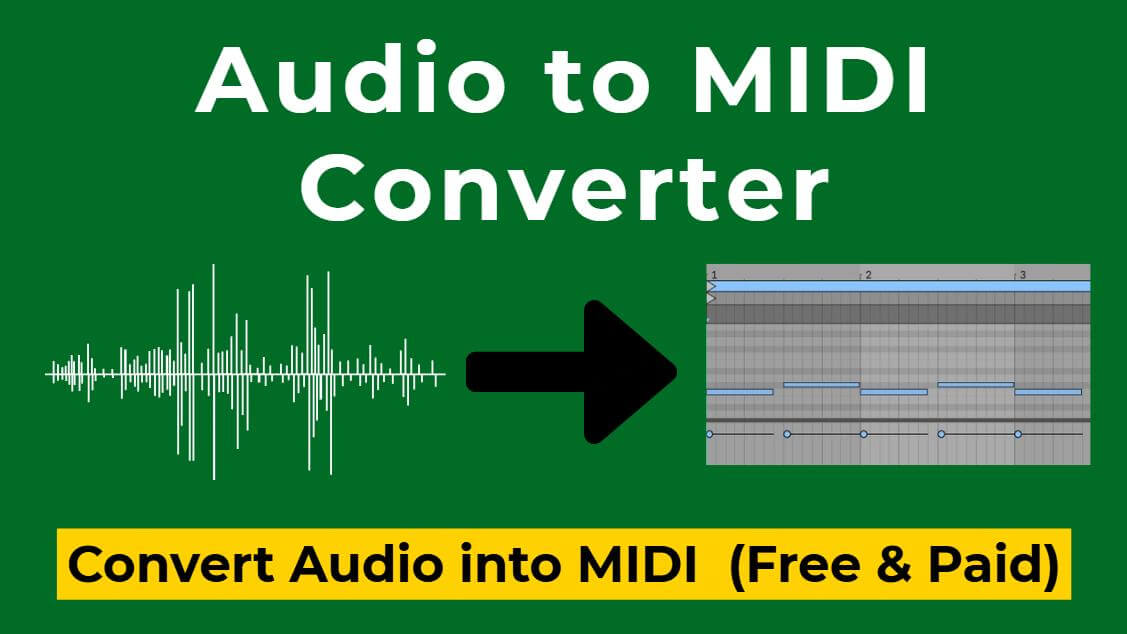
Converting an MP3 into an editable MIDI file has always been one of the most practical needs for music producers.
However, not every MP3 to MIDI converter is right for you. Some are geared towards beginners, some are optimized for piano recordings, and some focus on creation rather than simple conversion.
This article selects 6 what I consider the best MP3 to MIDI tools, helping you find the perfect one in 30 seconds.
Let's dive in.

Part 1. Best 6 MP3 to MIDI Converters Reviews
1 Tunesona
Tunesona is not just an MP3 to MIDI converter, but also an AI music agent. You can obtain MIDI files in two ways: upload MP3 file and convert it to MIDI, or use AI to generate new music and export it directly as a MIDI file.
The latter is precisely where Tunesona's true strength lies. Through conversation, complete music that can be exported as MIDI can be generated directly, eliminating the intermediate step of having MP3 first and then converting to MIDI.

You can describe the desired music and then modify the detailed music plan provided before generation as needed. Alternatively, you can let it recommend some styles and finally export it as a MIDI file containing all elements.
If your goal is to create editable MIDI content from scratch, Tunesona is the shortest and most accessible option.
How to Convert MP3 to MIDI with Tunesona?
Method 1: Upload MP3 file for conversion.
Step 1 Visit the Tunesona and log in to claim free creation credits.
Step 2 Upload the MP3 file you want to convert and select "Reference".

Step 3 Wait for Tunesona to analyze and convert the MP3 file. It will provide a very detailed description of the audio.
Step 4 Locate the MP3 file you uploaded in the right panel and export it as a MIDI file.

Method 2: Generate music using AI and export MIDI.
Step 1 Describe the music you want in the chat box, either briefly or in detail. Or let Tunesona recommend some for you.

Step 2 Choose your preferred direction from the 3 options provided by Tunesona. During the strategy phase, you can control the theme, lyrics, and style.

Step 3 Determine the song structure. Tunesona will provide a strategy arrangement including emotion, vocals, BPM, and instrumentation. If you are not satisfied, you can click "Adjust Strategy" to modify them.

Step 4 Generate and preview the songs. Tunesona will generate two songs, and will display the current stage in real time during the generation process to ensure you are aware of the progress.

Step 5 Adjust and export. If adjustments are required, you can further describe the direction of the changes. Once satisfied, export the music as a MIDI file.
Step 6 Import the downloaded MIDI file into your DAW and play it with any virtual instrument or edit it further.
Tunesona offers a free version and several subscription plans:
Free: 30 credits, core music generation.
Basic: $6.99/first month, 1000 credits.
Pro: $9.99/first month, 2000 credits.
Premier: $69.99/lifetime, Unlimited & 2000 credits/month.

2 Samplab
Site / Download: https://samplab.com/audio-to-midi
Samplab is an online MP3 to MIDI converter renowned for its unique audio processing methods. It not only converts MP3 to MIDI but also allows direct editing of multi-part audio.
It preserves the original sonic characteristics while being particularly suitable for processing sample loops from Splice or LoopCloud.

Samplab supports common formats such as MP3, WAV, AIFF, and FLAC. But the free plan can only process 10s audio clips at a time, while the premium version supports unlimited stereo transcription.
How to Convert MP3 to MIDI with Samplab?
Step 1 Open the website and upload your prepared MP3 file.
Step 2 Click the "Convert to MIDI" button and wait for processing.
Step 3 Download the MIDI file, or drag and drop it directly into the DAW using the VST3 plugin.
Samplab offers free and subscription version:
Free: Processes up to 10s of audio, outputting mono audio.
Premium: $11.99/month, any length audio file, stereo audio & premium note controls.
Complete: $14.99/month, Premium plan plus the Resynthesizer plugin.
3 Basic Pitch
Site: https://basicpitch.spotify.com/
In my opinion, Basic Pitch is the easiest MP3 to MIDI converter to use. It was developed by Spotify and is completely free. You can run it directly in your browser, and it offers professional-grade conversion quality for both beginners and experienced users.
Basic Pitch is highly accurate in converting monophonic melodies, but its ability to handle complex multi-track arrangements is limited. It also supports pitch bend detection, which can capture glissando on instruments like guitars.

As an open-source project, Basic Pitch also provides a command-line tool. If you know programming, you can obtain the code from GitHub and integrate it into your workflow.
Because it's a free online service, the conversion speed depends on the server load. However, these limitations are perfectly acceptable for most users.
4 AnyConv
Site: https://anyconv.com/mp3-to-midi-converter/
AnyConv is a free online file conversion platform that also offers MP3 to MIDI conversion.
This MP3 to MIDI tool requires no software installation and supports quick batch conversion of multiple MP3 files to MIDI, making it very convenient for users who need to convert files temporarily or simply want to quickly obtain MIDI files.

Using it to convert MP3 to MIDI usually takes only a few seconds, and what I like most is that the files are automatically deleted after a short time, so don't have to worry about privacy leaks.
However, its conversion accuracy is average, and it lacks any audio editing features, making it suitable for music with simple melodies or relatively simple rhythms.
5 Eldoraudio
Site: https://eldoraudio.com/products/piano-audio-to-midi
Eldoraudio is an MP3 to MIDI converter specifically designed for piano audio. Its model is trained entirely on a large-scale piano recording dataset, achieving extremely high accuracy in the piano-to-MIDI conversion scenario.
After you upload an MP3 or WAV file, it analyzes the piano track, extracting each note and velocity. It then generates a MIDI file perfectly time-aligned with the original audio, which can be directly imported into any DAW.

It includes a built-in online piano roll editor, allowing you to directly edit the generated MIDI file. Even low-quality audio recorded on a mobile phone yields good results.
However, its ability to transcribe other instruments is limited, and the free version only supports transcribing the first 30 seconds.
Eldoraudio offers the following purchase plans:
Free: $0, only 30 seconds supported.
Flex: $0.25/min, charged per minute of audio processed.
Pro: $15/month, supports processing 1000 minutes of audio.
6 Melodyne 5
Download: https://www.celemony.com/en/melodyne/what-can-melodyne-do
Melodyne 5 is the most accurate pitch recognition MP3 to MIDI converter software I've ever used. It doesn't just simply convert audio, it deeply analyzes details such as pitch, duration, and velocity, and then generates high-quality MIDI data.
Its handling of both monophonic and polyphonic audio is excellent.

Its advantages extend beyond conversion, it also lies in its powerful editing capabilities. You can directly adjust pitch, correct rhythm, change velocity within Melodyne, and then export it as MIDI.
The only downside is its high price. Melodyne has several versions:
Essential: $99 (basic features, pitch/time editing)
Assistant: $249 (adds vocal editing)
Editor: $399 (adds DNA for polyphonic editing)
Studio: $849 (full, multi-track studio capabilities)
Part 2. MP3 to MIDI Converter Comparison Table
Use this comparison table to quickly understand each MP3 to MIDI tool.
| Tool | Device | Price | Unique advantages | Suitable for |
|---|---|---|---|---|
| Tunesona | Online | Free - Paid tiers | AI generation + MIDI export | Generate MIDI directly through conversational creation |
| Samplab | Online | Free / $11.99-$14.99/month | Online MIDI editing | Loop editing, sample remixing |
| Basic Pitch | Win, Mac | Free | Open source | Fast single-instrument transcription |
| AnyConv | Online | Free | Supports batch conversion | Simplest format conversion |
| Eldoraudio | Online | Free - Paid tiers | Piano to MIDI | High-accuracy piano transcription |
| Melodyne 5 | Win, Mac | $99-$849 | Most accurate pitch editing | Professional multi-track editing |
Part 3. FAQs About MP3 to MIDI
1 What is MP3 to MIDI?
MP3 to MIDI conversion is the process of extracting note information from an audio file and converting it into editable MIDI data.
2 Which MP3 to MIDI converter has the highest conversion accuracy?
The Melodyne 5 sets the industry standard for overall accuracy, trusted by musicians for its precise note detection and deep integration with DAWs. However, in piano conversion, Eldoraudio is far ahead.
3 Can I convert MP3 to MIDI Online for Free?
Yes. Basic Pitch and AnyConv are both free MP3 to MIDI converters that run entirely in your browser and require no registration.
4 What's the best free MP3 to MIDI converter?
It depends on your needs. If you want it completely free, Basic Pitch is the best free option. If you want AI-generated features, Tunesona also offers free creation credits.
Conclusion
Whether you need a fast online MP3 to MIDI converter, a professional tool to convert MP3 to MIDI with studio-grade accuracy, or simply want to create MIDI files directly, these 6 tools cover your various needs.
Choosing the right MP3 to MIDI tool based on your specific requirements is the most efficient workflow.
If you don't have recordings on hand and want to directly convert your musical ideas into editable MIDI files, consider starting with Tunesona.