Listen to the autotuned vocal song created by Tunesona!

Want to correct vocals and experiment with various tuning effects?
Free autotune options can add pitch correction and vocal effects to your songs with just a few clicks.
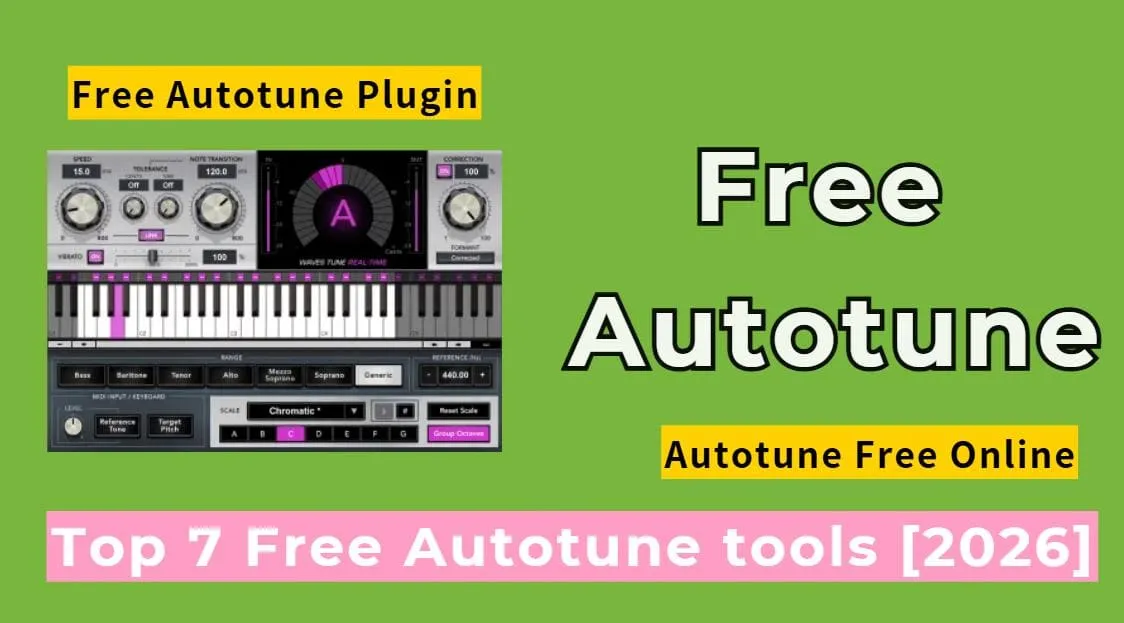
In this guide, I will introduce 7 best autotune free online tools, powerful autotune software, and reliable free autotune plugins. I will also demonstrate how to create a song with autotune vocals using Tunesona.
Let's begin!
Part 1. Create Full Songs With Autotuned Vocals [Free]
Free autotune tools can help you correct voice, but if you want to create complete songs directly with autotuned vocals, Tunesona is the best choice.
Tunesona - Create a autotuned vocal song via chat
Tunesona is a powerful ai music agent. You can create complete songs with autotuned vocals by inputting lyrics, describing style, or uploading reference audio.
Simply chat with Tunesona and it will help you create the melody, vocals, and accompaniment, allowing you to easily obtain pro-level music - no software or music production experience.

- Generates songs with autotuned vocals.
- Supports adding stylized pitch effects to vocals during conversations.
- Offers multiple creation modes to meet different needs.
- Downloads MP3, WAV, MIDI, or separate vocal and accompaniment tracks.
- Provide instant feedback and optimization.
How to create a song with autotuned vocals using Tunesona?
Step 1 Visit Tunesona and log in. You will receive free creation credits that can start generating songs.
Step 2 Select Custom mode. Paste the lyrics and song style description into the chat box. Include any desired autotune effects.

Step 3 Listen to the generated track. After generation, you can play the song to check if the autotuned vocals sounds natural.
Step 4 Adjust the vocals. If it doesn't meet your needs, you can modify the style description and regenerate until you are satisfied.
Step 5 Export the song. You can export the song as an MP3, WAV, or MIDI file. Furthermore, Tunesona supports exporting vocals and backing tracks separately for easier mixing or further editing.
Listen to the song with autotuned vocals created by Tunesona!
Part 2. 2 Autotune Free Online Tools [No Download Needed]
If you just want to quickly autotune vocals without installing complicated software or plugins, then autotune free online tools are the most convenient option. Below, I will introduce 2 free online autotune tools worth trying.
1 Audimee
Site: https://audimee.com/tools/free-vocal-tuner
Audimee's Vocal Tuner is an online autotune free tool powered by AI.
It supportsfree automatic or manual correction of vocals using the built-in tuning editor. You can upload or record audio and then fine-tune the pitch of your vocals by adjusting parameters such as pitch and vibrato.
Furthermore, it can be used to create complex harmonies or completely alter the melody of a vocal track to better suit your creative needs.

- Autotune free online, no software download required.
- Automatically corrects vocal pitch and adjusts intonation.
- Supports manual tuning control.
- Provides harmonic and melody variation functions.
- Real-time display of pitch waveforms and tuning effects.
How to Use Audimee Autotune Free Online Tool?
Step 1 Upload or record audio.
Step 2 Use the automatic tuning knobs. AI will automatically analyze your voice pitch and perform basic pitch correction to quickly fix any off-key notes.
Step 3 Manually fine-tune sound details. You can adjust pitch intensity, vibrato, or glissando effects to make your voice sound more natural.
2 Kits.ai
Site: https://www.kits.ai/
Kits.ai offers AI-based online vocal tuner and pitch editor.
Its pitch editor resynthesizes your vocals instead of simply moving the audio up and down, preserving the naturalness of the sound when adjusting pitch. With an intuitive MIDI piano scroll interface, you can drag notes to the correct pitch.
All of this can be done in browser, making autotune online free fast and natural.

- AI autotune online free.
- Maintains natural sound and avoids distortion.
- Built-in audio effects for pro-grade sound.
- User-friendly interface, suitable for beginners.
How to Use Kits.ai Autotune Free Online Tool?
Step 1 Visit the Kits.ai website and select an AI vocal effect. Switch to Effects from the menu.
Step 2 Set the parameters according to your needs like pitch-shifting, reverb removal, and other vocal effects.
Step 3 Upload up to 5 audio files that need tuning.
Step 4 Wait for Kits.ai to finish processing. You can then manually fine-tune the results.
Part 3. Best Autotune Software Worth Trying [Paid]
While Audimee and Kits.ai offer a convenient and quick free autotune online experience, more powerful autotune software is essential if you want more advanced control.
1 Melodyne
Download: https://shop.celemony.com/
Melodyne is a professional pitch correction and sound editing software.
It not only automatically corrects pitch deviations but also supports fine-tuning of individual notes, correcting vibrato and rhythm drif.
It can be used as a independent software or integrated as a plugin into DAWs, providing greater creative control.

- DNA for polyphonic editing.
- Precise tuning of individual notes.
- Multiple algorithms applicable to different audio types.
- Powerful harmony and polyphonic processing capabilities.
- Supports plugins and standalone modes.
Pricing
| Plan | Price |
|---|---|
| Melodyne 5 Essential | $99 |
| Melodyne 5 Assistant | $149 - $249 (sometimes bundled) |
| Melodyne 5 Editor | $399 |
| Melodyne 5 Studio | $699 |
2 Auto Tune (Antares)
Download: https://www.antarestech.com/
Auto-Tune is an industry-standard autotune software developed by Antares. Almost everyone uses it.
It can detect the pitch of the input audio in real time and automatically correct off-note deviations based on the selected parameters. It offers a variety of tuning modes, allowing you to freely choose the one that suits you best.
With its flexible controls, Auto-Tune can not only correct inaccurate vocal registers but also create highly stylized expressive effects when needed.

- Real-time vocal pitch correction.
- Achieve natural pitch adjustments or mechanical effects.
- Extensive vocal control parameters.
- Offers a graphical mode for manual editing.
- Perfectly reproduces studio vocal effects.
Pricing
| Plan | Price |
|---|---|
| Auto-Tune Access | $29 - $50 |
| Auto-Tune Artist | $279 |
| Auto-Tune Pro | $486 |
Part 4. 3 Free Autotune Plugins for DAWs
If you don't want to buy autotune software right now, you can use free autotune plugins directly in your DAW. Although the function is relatively simplified, they can still achieve basic pitch correction and stylized tuning effects.
1 MAutoPitch
Download: https://www.meldaproduction.com/MAutoPitch
MAutoPitch is a free autotune plugin developed by MeldaProduction and a top choice for many music producers.
It designed specifically for vocals and monophonic instruments, corrects out-of-tune sounds by automatically detecting pitch and adjusting it to the selected scale.
It also supports creative features to make the sound fuller and more spacious.

- Completely free trial.
- Real-time adjust vocal and instrument pitch.
- Adjust timbre without changing pitch.
- Stereo extension adds width to vocals.
- Supports scale and tonality control.
2 Graillon 3
Download: https://www.auburnsounds.com/products/Graillon.html
Graillon 3 is a feature-rich and free autotune plugin developed by Auburn Sounds. It is widely used by home recording producers.
Graillon 3 not only provides basic pitch correction but also processes vocals in real time, offering natural or more stylized tuning effects.
Its built-in pitch correction module allow for flexible control over the correction intensity, achieving everything from subtle enhancements to noticeable tuning effects.

- Free version available.
- Supports pitch and formant control.
- Multiple tone engines.
- Built-in various vocal effects.
- Compatible with multiple formats, such as VST2 and VST3.
3 Spoton
Download: https://sixthsample.com/spoton/
Spoton is a free autotune plugin developed by Sixth Sample.
It offers a simple and intuitive interface; you simply select the scale and adjust the amount and speed knobs to begin adjusting the sound.
Spoton supports VST3, AU, and AAX plugin formats and runs on Windows and macOS.

- Intuitive interface and simple operation.
- Adjust the intensity and speed of pitch correction.
- Supports scale selection and individual note control.
- Low latency suitable for real-time recording or live vocal processing.
- Customizable themes.
Part 5. FAQs About Free Autotune
1 What is free autotune tools used for?
Free autotune tools can correct off-key vocals, making singing more accurate. And can also add stylized effects to give songs a professional feel.
2 How does free autotune tools work?
It detects vocal pitch and automatically adjusts notes that deviate from the target pitch to the correct level, allowing adjustment of velocity and speed for natural or electronic pitch correction.
3 What is the best free autotune plugin for beginners?
MAutoPitch is a beginner-friendly option. It's simple to use and has an intuitive interface. And supports both basic pitch correction and stylized effects.
4 Are online autotune programs free to use?
Most online autotune programs offer free versions, suitable for basic pitch correction and simple experiments. However, some advanced features may require payment.
Conclusion
Whether it's a autotune free online tool, powerful autotune software, or a flexible free autotune plugin, they can all help you easily correct vocals and create professional effects.
Of course, I recommend manually adjusting the pitch when possible for the best results. Also, carefully listen to the autotuned vocal and adjust the effect intensity to avoid sounding too artificial.
Furthermore, you can use Tunesona to directly generate songs with autotuned vocals.